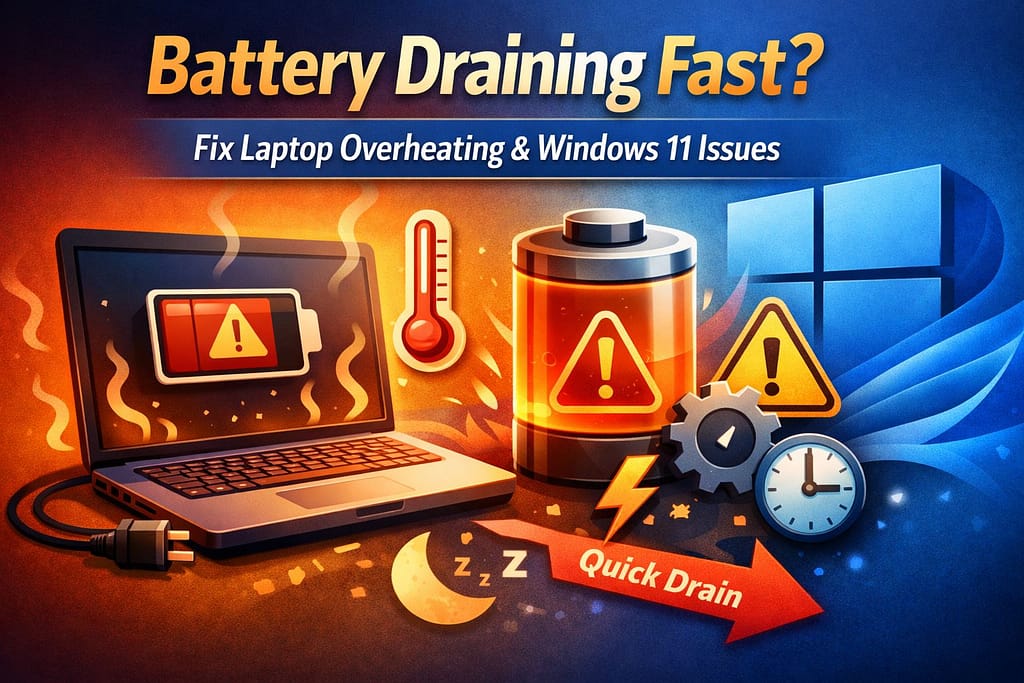
Battery draining fast is one of the most common and irritating issues that laptop users are experiencing today. Many laptop users have complained that their laptop battery drains quickly even when they are using it lightly. Others have complained about the laptop overheating along with the battery draining issue.
If you are looking for solutions to questions such as “why is my battery draining quickly” or “why is my Laptop overheating and draining battery,” you are not alone. This issue has become more common after the recent Windows update, especially for Windows 11 users.
In this blog, we will discuss the causes of battery draining quickly, laptop overheating issues, and their solutions, including a Windows 11 battery drain solution.
What Does Battery Draining Fast Mean?
If a laptop’s battery drains a large amount of power in a short span of time, it is referred to as battery draining fast. This issue can arise while surfing the internet, playing videos, or even when the laptop is idle.
The following are some of the most common symptoms of battery draining fast:
- The battery drains quickly from 100% to 30%
- The battery drains overnight even when the laptop is idle
- The laptop overheats while charging
- The laptop shuts down suddenly due to a low battery
Signs You Have Power and Overheating Issues
- Battery drains from 100% to 20% in a short time
- Laptop becomes hot even during basic tasks
- Fan runs constantly at high speed
- Sudden shutdowns or lag
- Charging takes longer than usual
Why Is My Battery Draining Fast?
There are many reasons why your battery is draining so fast. Knowing the reason helps to apply the correct solution.
1. Background Applications
Having too many applications running in the background leads to battery drain fast.
2. Laptop Computer Overheating
If the laptop computer overheating problem arises, the computer uses more power to cool down, which leads to battery drain fast.
3. Windows 11 Power Settings
Improper power settings may lead to a severe battery drain problem, especially after a system update.
4. Laptop Overheating After Windows 11 Update
It has been observed that many laptops are overheating after the Windows 11 update, which has a direct impact on battery life.
Why Is My Laptop Overheating and Losing Battery?
If you are wondering “why is my laptop overheat and loosing battery”, the reasons are mostly related to CPU usage and cooling.
The reasons may be:
- Dust clogging the cooling vents
- Faulty or slow cooling fans
- High performance mode always enabled
- Malware or unnecessary system processes
Overheating makes the system work harder, resulting in a drained battery.
Laptop Battery Draining Fast in Windows 11
Laptop battery draining fast Windows 11 is a common problem. Windows 11 comes with visual effects and background services that consume more power if not optimized.
Common causes:
- Startup apps running unnecessarily
- Widgets and background syncing
- Display brightness too high
- Outdated drivers
Windows 11 Battery Drain Fix (Effective Solutions)
Follow these fixes to manage battery draining fast problems:
1. Adjust Power & Battery Settings
Windows 11 comes with built-in power modes that can help you save battery.
Steps:
- Go to Settings > System > Power & Battery
- Choose Power Mode: Best Power Efficiency
This reduces background activity and improves battery life.
2. Reduce Screen Brightness
Lowering brightness can instantly improve battery performance.
- Use shortcut keys (F1–F12 depending on device)
- Enable Auto Brightness in settings
3. Close Unnecessary Background Apps
Steps:
- Press Ctrl + Shift + Esc to open Task Manager
- Check apps using high CPU or memory
- Right-click and select End Task
Also:
- Go to Settings > Apps > Startup
- Disable unnecessary startup apps
4. Update Windows and Drivers
Keeping your system updated ensures better power management.
Steps:
- Go to Settings > Windows Update
- Click Check for updates
Also update:
- Graphics drivers
- Battery drivers
- Chipset drivers
5. Run Power Troubleshooter
Windows 11 has a built-in tool to fix power issues.
Steps:
- Go to Settings > System > Troubleshoot > Other troubleshooters
- Run Power Troubleshooter
6. Optimize Battery Usage by Apps
Windows shows which apps use the most battery.
Steps:
- Go to Settings > Power & Battery > Battery Usage
- Identify high-consuming apps
- Limit or uninstall them
7. Clean Laptop Vents and Fans
Dust blocks airflow and causes overheating.
Tips:
- Use compressed air to clean vents
- Avoid using laptop on soft surfaces
- Keep airflow clear
8. Use Laptop Cooling Pad
A cooling pad improves airflow and reduces heat buildup.
- Especially useful for gaming or heavy tasks
- Affordable and effective
9. Disable Unnecessary Visual Effects
Windows 11 has animations that consume power.
Steps:
- Search Performance Settings
- Select Adjust for best performance
10. Check for Malware or Viruses
Malicious programs can run in the background and drain battery.
- Use Windows Security or antivirus software
- Run a full system scan
11. Calibrate Your Battery
Battery calibration helps improve accuracy.
Steps:
- Charge to 100%
- Use until it drops to 0%
- Charge again fully without interruption
12. Disable Fast Startup
Sometimes Fast Startup can cause power issues.
Steps:
- Go to Control Panel > Power Options
- Click Choose what power buttons do
- Disable Fast Startup
Advanced Fixes for Battery Draining Fast (If Problem Still Exists)
1. Reset Power Plans
- Open Command Prompt (Admin)
- Type: powercfg -restoredefaultschemes
2. Check Battery Health
Use command: powercfg /batteryreport
This generates a report showing battery condition.
If the battery draining fast or laptop overheating issue still isn’t fixed after trying all the solutions, WinTech Support can help. Their experts provide reliable Windows 11 troubleshooting, performance optimization, and battery issue fixes to keep your laptop running smoothly and efficiently.
Battery Draining Overnight – Why It Happens?
If your battery is draining overnight, the following could be the reasons:
- Sleep mode instead of shutdown
- Background updates
- USB devices drawing power
Turning off the laptop completely may help stop the battery from draining overnight.
Laptop Overheating While Charging
Another common problem that laptops face is overheating while charging. Charging the laptop itself is a heating process, and when paired with high CPU usage, it can cause the laptop to heat up quickly it is the reason of reason battery draining fast.
To avoid this:
- Do not perform heavy tasks while charging
- Use the original charger only
- Ensure proper airflow
Tips to Improve Battery Life Long-Term
- Avoid overcharging (keep between 20%–80%)
- Use battery saver mode when needed
- Turn off Bluetooth and Wi-Fi when not in use
- Avoid extreme temperatures
- Unplug external devices when not needed
Common Mistakes to Avoid
- Using laptop on bed (blocks ventilation)
- Ignoring system updates
- Running too many apps at once
- Not cleaning laptop regularly
- Using cheap or incompatible chargers
How Battery Drain and Overheating Are Connected?
Battery draining quickly and overheating are common issues that occur simultaneously. Battery efficiency is affected by overheating, and this reduces the lifespan of the battery.
How Overheating Directly Impacts Battery Life
Most users don’t realize this: heat is the biggest enemy of your battery.
Here’s what happens:
- High temperatures increase internal resistance
- Battery drains faster to compensate
- Long-term exposure reduces battery lifespan
- Charging becomes inefficient
Even a 5–10°C increase can significantly reduce battery efficiency over time.
Hidden Battery Drainers You Might Ignore
Many users overlook these:
Chrome & Browser Tabs
- Multiple tabs consume RAM and CPU
- Use extensions like tab suspenders
Gaming Apps in Background
- Steam, Epic Games, etc. auto-run
Cloud Sync Services
- OneDrive, Google Drive syncing constantly
Wi-Fi Signal Strength
- Weak signals consume more battery
Preventive Maintenance Tips of Battery Draining Fast
Keep your laptop healthy long-term:
Weekly:
- Clear temporary files
- Check Task Manager
Monthly:
- Clean vents
- Update drivers
Every 6 Months:
- Check battery health
- Deep clean internal hardware
When to Seek Professional Help
If none of the fixes work, you may have:
- Faulty motherboard
- Damaged battery cells
- Fan failure
- Charging port issues
In such cases, consult a professional technician.
Wintech Support – Your Trusted Tech Partner
When dealing with frustrating issues like fast battery drain, overheating, or power problems in Windows 11, expert help can save you time and prevent further damage. Wintech Support is a reliable name in providing professional computer troubleshooting and repair services tailored to your needs.
At Wintech Support, certified technicians diagnose the root cause of your battery draining fast issues—whether it’s a failing battery, overheating components, outdated drivers, or system misconfigurations. Their team offers quick, secure, and effective solutions, including battery replacement guidance, thermal optimization, system cleanup, and performance tuning.
Frequently Asked Questions (FAQs): Battery Draining Fast
1. Why is my battery draining so quickly?
The most common causes of battery draining are background applications, overheating, and Windows 11 settings.
2. Can overheating cause battery draining?
Yes, it can. Overheating causes the system to consume more power, resulting in a drained battery.
3. Is battery draining quickly a serious problem?
Yes, if it is not addressed, it can reduce battery life and impact system performance.
4. How do I check which apps are using the most battery?
Go to Settings > Power & Battery > Battery Usage to see app-wise consumption.
5. Can updating Windows fix battery issues?
Yes, updates often include performance improvements and better power management.
Conclusion
Battery draining fast and overheating problems are common but fixable. Whether you’re facing problem laptop battery draining fast Windows 11, battery draining overnight, or laptop overheating while charging, proper system optimization can significantly improve battery life.
Applying the right Windows 11 battery drain fix, managing background apps, and preventing overheating will help your laptop run cooler, last longer, and perform better.